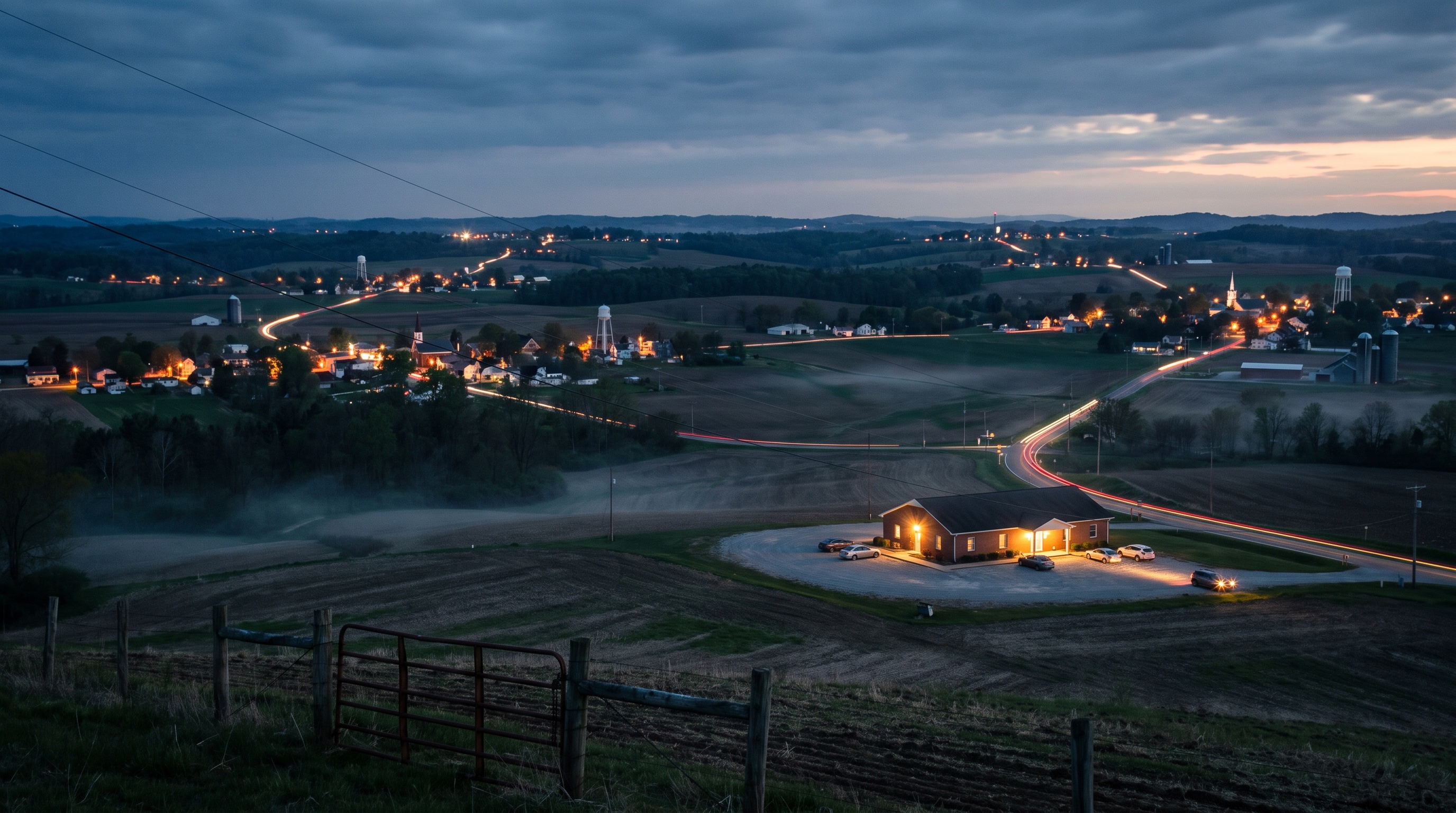
A Fairfax wellness clinic I work with had an odd problem. Clients were driving in from all over Northern Virginia and from Washington DC, and some were coming from Maryland, North Carolina and Pennsylvania. But the website only talked about Fairfax. Someone searching from a town twenty miles away had no page that answered their question. That's what service area pages are for, and this week we shipped twelve more.
The owner asked for two things that seem to pull against each other. He wanted more towns covered, and he didn't want a cluttered footer. Both were doable.
What are service area pages, and why does a small business need them?
A service area page is a page about your business as seen from one specific town. It answers what someone searching from that town wants to know: how far away are you, how do I get there, and is this place for me?
Your homepage can't do this. It's written for everyone, so it isn't written for anyone in Leesburg or Arlington in particular. A page per town meets each searcher where they already are.
- One town per page. Don't stuff ten towns into a single page.
- Real, useful detail. Drive time, the route, parking, prices, and how to book.
- Nothing made up. No invented reviews and no claims you can't back up.
How we built pages that were honest, not filler
The temptation with town pages is to write the same page twelve times and swap out the town name. Search engines and people both see through that.
Use real drive times, and say what they mean
Every page shows the drive time and route from the clinic's actual address. Those times are clear-road estimates, and the page says so, with a note that rush hour will be slower. A number that admits its limits earns more trust than one that sounds precise and turns out wrong.
Only use local details you can verify
We looked for well-known landmarks to help each page feel local. One landmark was dropped because we couldn't confirm its location in the public map data we were working from. If you can't back up a detail, leave it out.
Make a page for people who come from far away
Some clients drive in from other states. Instead of pretending to be local to Maryland or Pennsylvania, we wrote one honest "travelling to us" page for them. It covers drive times and what to expect, and it doesn't include invented testimonials.
Linking pages without cluttering the website
This was the owner's main worry, and the fix turned out to be simple.
- One footer link, not twelve. The footer shows an "Areas we serve" heading, and that heading links to a hub page that lists every town.
- Blog posts link to towns. Each article now carries a short line linking to related town pages, and the town pages link back.
- Town pages link to each other. Nearby towns point to one another, so a visitor who lands on the wrong one can find the right one.
A page nobody links to is a page nobody finds. Every new page got at least one way in.
Don't break old links when you reorganize
One existing page covered two towns at once. We split it into two separate pages. The old page address now redirects to the new one, so anyone with an old link or bookmark still lands in the right place. Reorganizing your site shouldn't cost you the traffic you already have.
Tell Google the pages exist
Publishing a page doesn't mean Google sees it right away. We resubmitted the site map, which now lists 69 pages, and asked Google to index each new town page. Google limits how many requests you can send in a day, so the last few roll over to the next day. That's normal. Keep going until all of them are submitted.
The takeaway
If your customers come from a dozen towns, build one honest page for each town and connect them through a single hub. You'll reach people who were already looking for you and couldn't find you.
If you're not sure where your own customers are coming from, check your booking or order records first. That list of towns is where your next pages should come from.