When your website breaks, the first explanation you're handed is almost never the right one. That was true again this week. A client — a woman-owned self-care brand — had just launched her online store. Everything looked finished. But one small thing was quietly broken, and the quick, obvious answer everyone reached for pointed in the wrong direction.
Here's what happened, and the lesson I keep relearning: the easy explanation is comforting, but it's usually a dead end.
What actually happened: a photo that wouldn't change
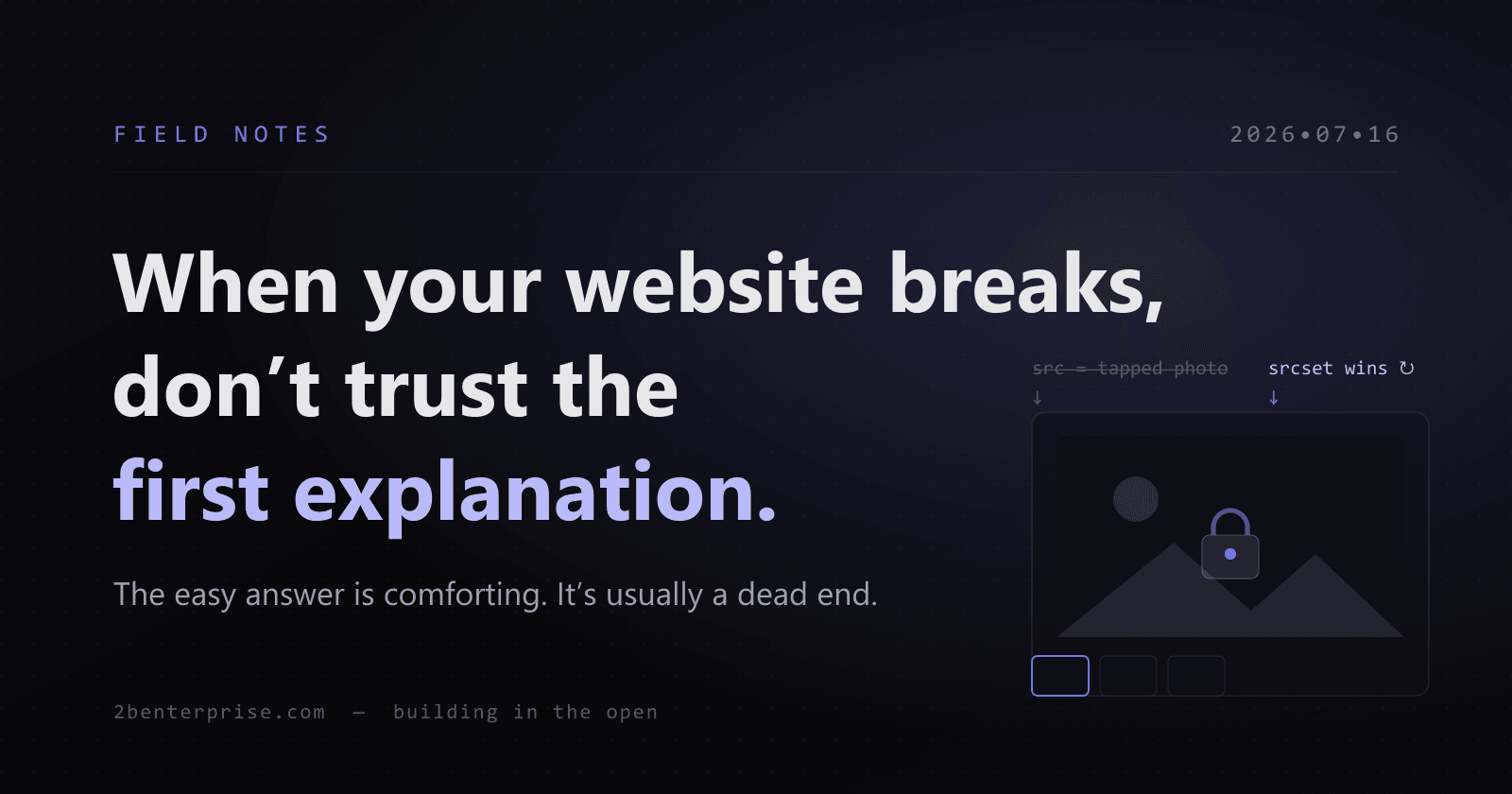
On the new store, each product had a row of small thumbnail photos under the main image. Tap a thumbnail, and the big photo is supposed to switch to that shot. On this store, it didn't. Shoppers tapped, the little highlight moved, and the main photo just sat there — frozen on the first picture.
That's not a cosmetic nitpick. On a store where people are deciding whether to buy something they can't hold in their hands, the photos are the product. If a customer can't see the other angles, you've lost part of the sale before it starts. A brand-new store makes this worse, because you have no track record yet to earn a shopper's patience.
Why did the obvious fix not work?
The store platform's own built-in assistant had a ready answer: it was probably a "cache" issue or some conflict between scripts — clear your browser, try again, it'll sort itself out.
That's the tempting explanation because it asks nothing of you. It's nobody's fault, no real digging required, and there's a decent chance the problem "goes away on its own." So people accept it and move on.
The trouble is, it was wrong. Clearing the cache changed nothing. The real cause was something deeper in how the page was built — the tap was actually working, but the page was being told, in a quieter way, to keep showing the original photo anyway. Two instructions were fighting, and the wrong one was winning.
How I chase down the real cause instead of the easy one
When a tool gives me a vague reason, I run the same short routine before I believe it.
Reproduce it myself, on the real page
I don't take the report secondhand. I open the actual live store and tap the thumbnails until I see the problem with my own eyes. If I can make it break on command, I can tell when it's truly fixed — instead of hoping.
Ignore the label, watch the behavior
"It's the cache" is a label, not evidence. I watch what the page actually does step by step. Here, the tap clearly registered — the highlight moved. So the problem wasn't the tapping. That one observation ruled out the easy answer and pointed me at where the photo gets chosen.
Prove the fix where the customer sees it
A fix that only works on my machine isn't a fix. I made the change and then watched the real page swap to the correct photo, at full quality, exactly the way a shopper would. Only then did I call it done — and even then, I staged it and left the final go-live click to the owner.
What this means for your business
You don't need to know how a website is built to protect yourself here. You need two habits.
- Test the small things customers actually touch before you call a launch finished — the photo swap, the "add to cart" button, the checkout. The details win or lose the sale.
- Don't accept the first easy explanation for why something's broken. "It's probably the cache" is the business equivalent of "have you tried turning it off and on again." Sometimes it's right. Often it's a shrug in disguise.
The real cost of the easy answer isn't the bug — it's the weeks it hides in plain sight while customers quietly leave.
When something breaks, slow down long enough to find the true reason. That's the difference between a guess and a fix.